The practical question behind “AI Transcription File Formats: MP3, WAV, MP4, MOV and More” is how to produce text that remains useful after the model finishes. Input file formats sits between messy real-world audio and downstream systems that expect structure, consistency and traceability. A production workflow has to consider the model, the source recording, the review process and the final deliverable together.
For the product workflow, see AI Transcription. This guide focuses on the practical quality, workflow and buyer questions around the topic rather than product mechanics.
Key takeaways
Key takeaways
- Treat input file formats as an end-to-end workflow, not just a model output.
- Evaluate quality on representative material and include container versus codec, sample rate and channel layout and lossy versus lossless compression in the test plan.
- Use human review where the cost of a wrong word, speaker, number, name or translation is materially higher than the cost of checking it.
- Keep source, instructions, output and revisions traceable so teams can reproduce and audit important corrections.
- Judge the final deliverable by its downstream task: search, evidence, captions, analytics, localization, records, accessibility or another AI workflow.
1. Understanding input file formats
Input file formats affects both input reliability and downstream usability. Media containers, audio codecs, channels and compression determine what acoustic information reaches the recognizer, while output formats determine what text, timing and speaker metadata survive after processing.
The safest input workflow keeps the original master file and avoids repeated conversion. If separate channels represent different microphones or speakers, preserve them until the transcription workflow decides how to use that separation.
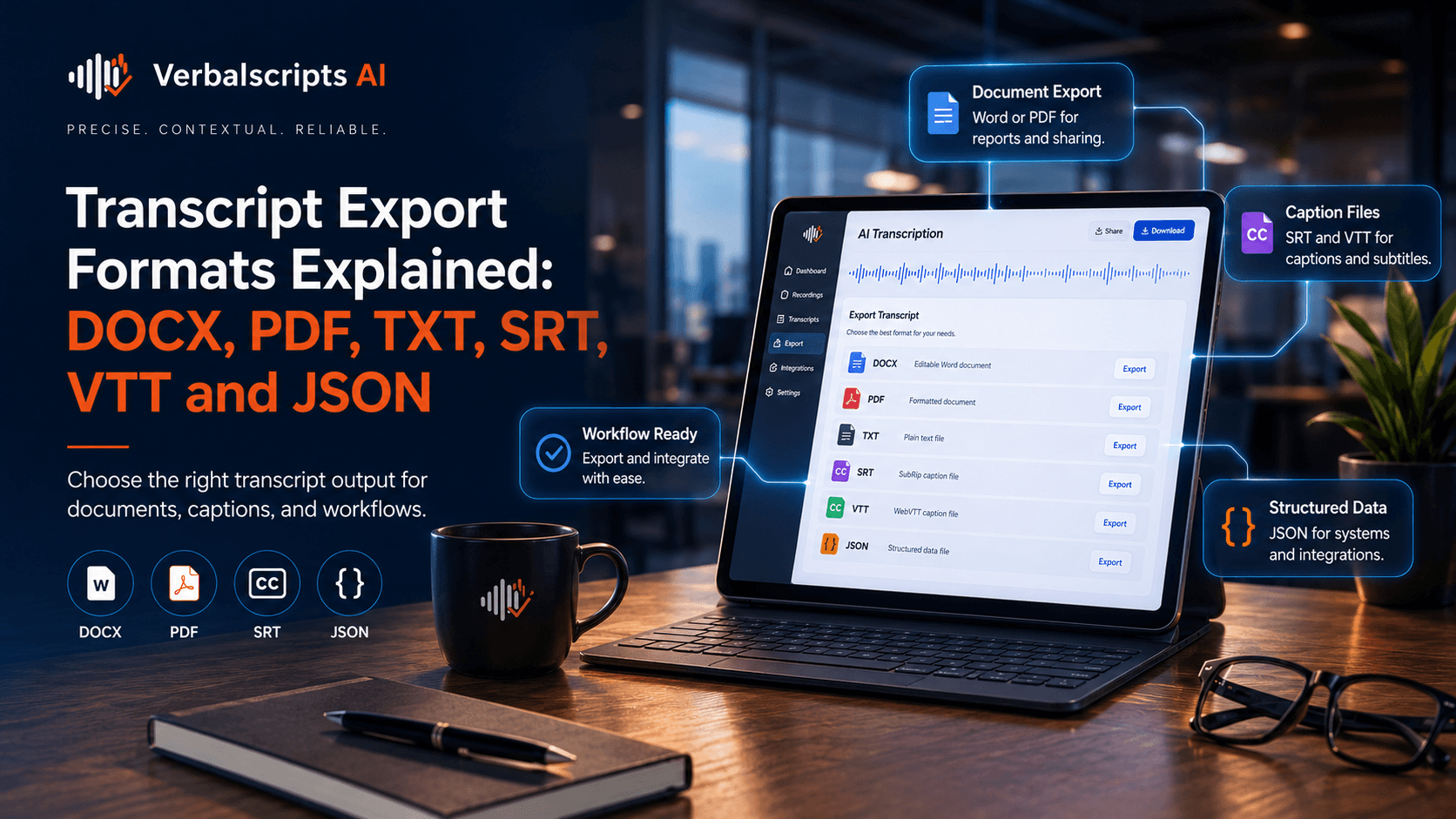
For output, choose the format from the next task. DOCX supports editing, TXT is simple, PDF fixes presentation, SRT/VTT carry timed captions, and JSON can preserve structured segments, speakers and timing for software systems.
2. What determines quality
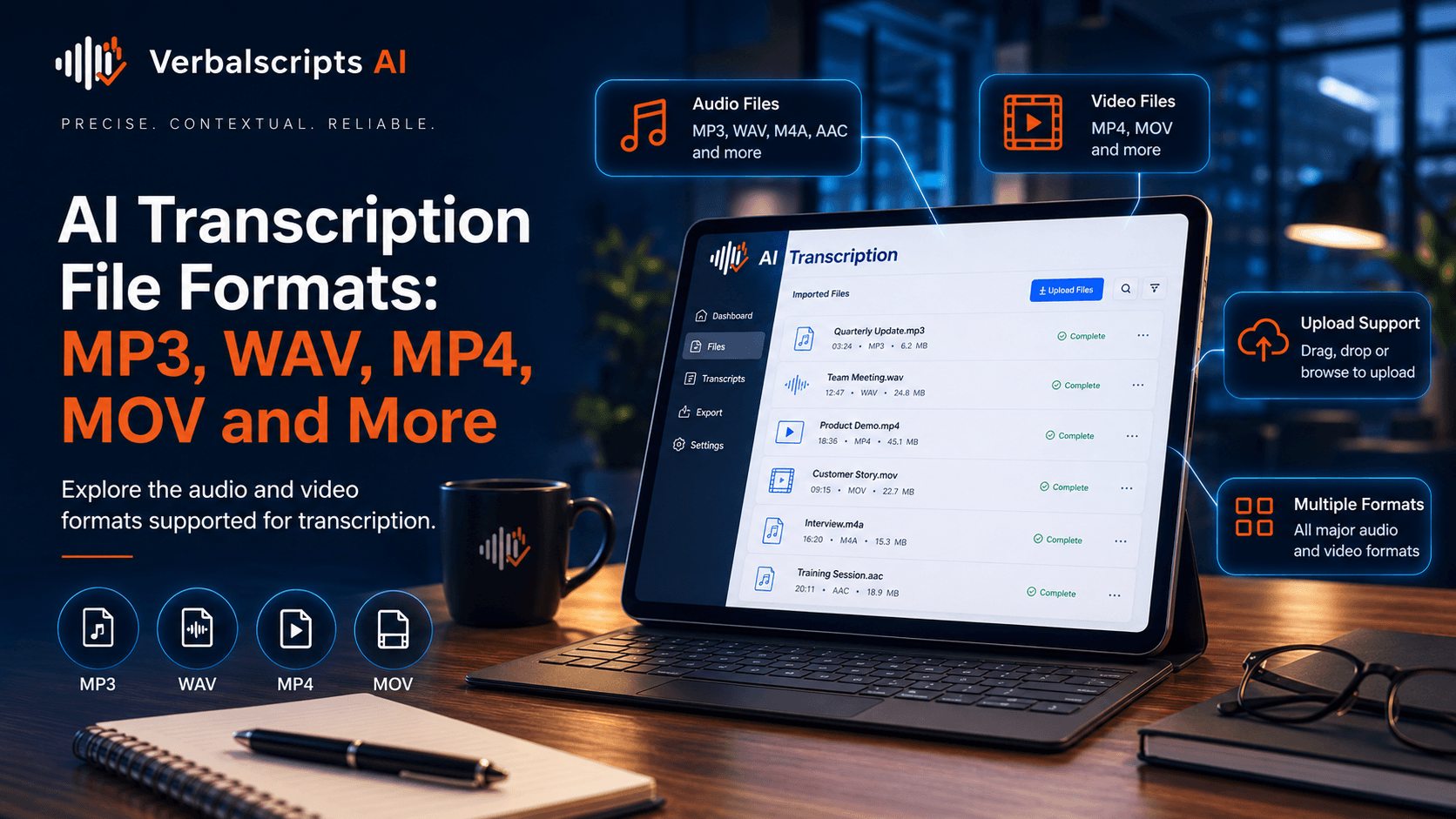
Container Versus Codec. MP4 and MOV are containers; MP3, AAC and PCM describe audio encoding choices. A file extension alone does not reveal the acoustic quality available for recognition.
Sample Rate And Channel Layout. Sample rate, bit depth and channel count affect how audio is represented. Preserve useful channel separation and avoid needless conversion of the master source.
Lossy Versus Lossless Compression. Lossy codecs discard information to reduce size. They can be perfectly usable, but repeated transcoding compounds artifacts and should be avoided.
Video Extraction. Video Extraction affects whether input file formats remains reliable in production. Define the requirement, test it on representative material and establish what happens when the result falls outside tolerance.
Upload Size And Processing Reliability. Upload Size And Processing Reliability affects whether input file formats remains reliable in production. Define the requirement, test it on representative material and establish what happens when the result falls outside tolerance.
These factors interact. A glossary can reduce terminology errors but cannot recover speech lost to clipping; a clean microphone can improve recognition but cannot resolve an ambiguous name without context. The safest way to understand performance is to test the complete workflow on representative material.
3. A practical decision framework
The point of the framework is not to force every project into the same quality tier. It is to make tradeoffs explicit. A searchable internal archive, for example, may value throughput and broad recall; a legal or medical deliverable may prioritize exact names, numbers, attribution and review even if that adds time.
4. Recommended workflow
1. Capture or prepare the best available source. For input file formats, preserve the original media whenever possible. Avoid unnecessary re-encoding and collect contextual material such as speaker names, agendas, glossaries or expected terminology.
2. Configure the task explicitly. Set language, output style, speaker requirements, timestamps, verbatim policy, formatting and any domain vocabulary. Ambiguous instructions create inconsistent transcripts.
3. Generate the first-pass output. Run the AI workflow while retaining source-to-output traceability. At scale, track file IDs, status, configuration and any processing failures.
4. Review the errors that matter. Listen to or inspect low-confidence and high-impact spans, then verify names, numbers, speaker labels, terminology, overlap and unclear passages according to the use case.
5. Finalize, export and validate downstream use. Deliver the transcript in the right format, run final checks after edits, and confirm that timestamps, speaker labels and metadata still align with the source.
5. Common failure modes to avoid
- Re-encoding source audio unnecessarily. Build a specific control for this failure mode rather than relying on a general accuracy promise.
- Assuming file extension reveals audio quality. Build a specific control for this failure mode rather than relying on a general accuracy promise.
- Downmixing channels that contain separate speakers. Build a specific control for this failure mode rather than relying on a general accuracy promise.
- Discarding original files after conversion. Build a specific control for this failure mode rather than relying on a general accuracy promise.
- Ignoring variable frame-rate or media corruption. Build a specific control for this failure mode rather than relying on a general accuracy promise.
Failure analysis is especially valuable because average metrics can hide concentrated problems. A system may perform well overall but repeatedly fail on a particular accent, speaker role, language pair, product name or recording channel. Those recurring errors are often more actionable than a single global score.
6. How to evaluate a system or provider
Representative evidence. Use source files that reflect your normal work plus realistic edge cases. Ask for results on your material, not only benchmark claims.
Transparent quality definition. Define what counts as an error and what matters most: words, speakers, timestamps, names, numbers, formatting, meaning, omissions or downstream task success.
Review and correction process. Understand what is automatic, what receives human review, who performs that review, what reference materials are used, and how corrections are tracked.
Security and retention. Document how files are transferred, accessed, stored, retained and deleted. Sensitive workflows need controls proportional to the data and the consequences of exposure.
Operational fit. Check supported formats, turnaround, scale, API or batch behavior, revision handling, support, and whether the final output integrates cleanly with your tools.
For model and workflow evaluation, explore Verbalscripts AI Evaluation and use a pilot that mirrors your production mix.
7. Production implementation notes for input file formats
- Define the acceptance criteria for input file formats before processing, including what errors are material and what output format the next system expects.
- Keep the original source and the first-pass output so reviewers can verify corrections and teams can reproduce failures.
- Use reference material such as speaker lists, agendas, glossaries and known names when it improves ambiguity resolution.
- Track recurring error categories rather than only an average score; repeated failure patterns point to the best process improvements.
- Revalidate timestamps, speaker labels and structured metadata after substantive text edits because downstream alignment can break silently.
8. Illustrative workflow example
Consider a team processing a representative batch for input file formats. The team keeps the original files, defines speaker/timestamp/style rules, supplies known names and terminology, generates the first pass, routes high-risk or uncertain spans to review, and records corrections before export. The example is illustrative rather than a client case study; its purpose is to show how model output, review and document controls fit together.
During the pilot, the team records not only an overall error rate but which errors consume reviewer time: speaker attribution, names, numbers, overlap, unclear audio, timing or formatting. That information makes the next iteration measurable and prevents quality work from becoming subjective cleanup.
9. Related Verbalscripts AI resources
- AI Transcription: use this page when the reader is ready to move from education to the relevant product, workflow or buying decision.
- Resources: use this page when the reader is ready to move from education to the relevant product, workflow or buying decision.
- Pricing: use this page when the reader is ready to move from education to the relevant product, workflow or buying decision.
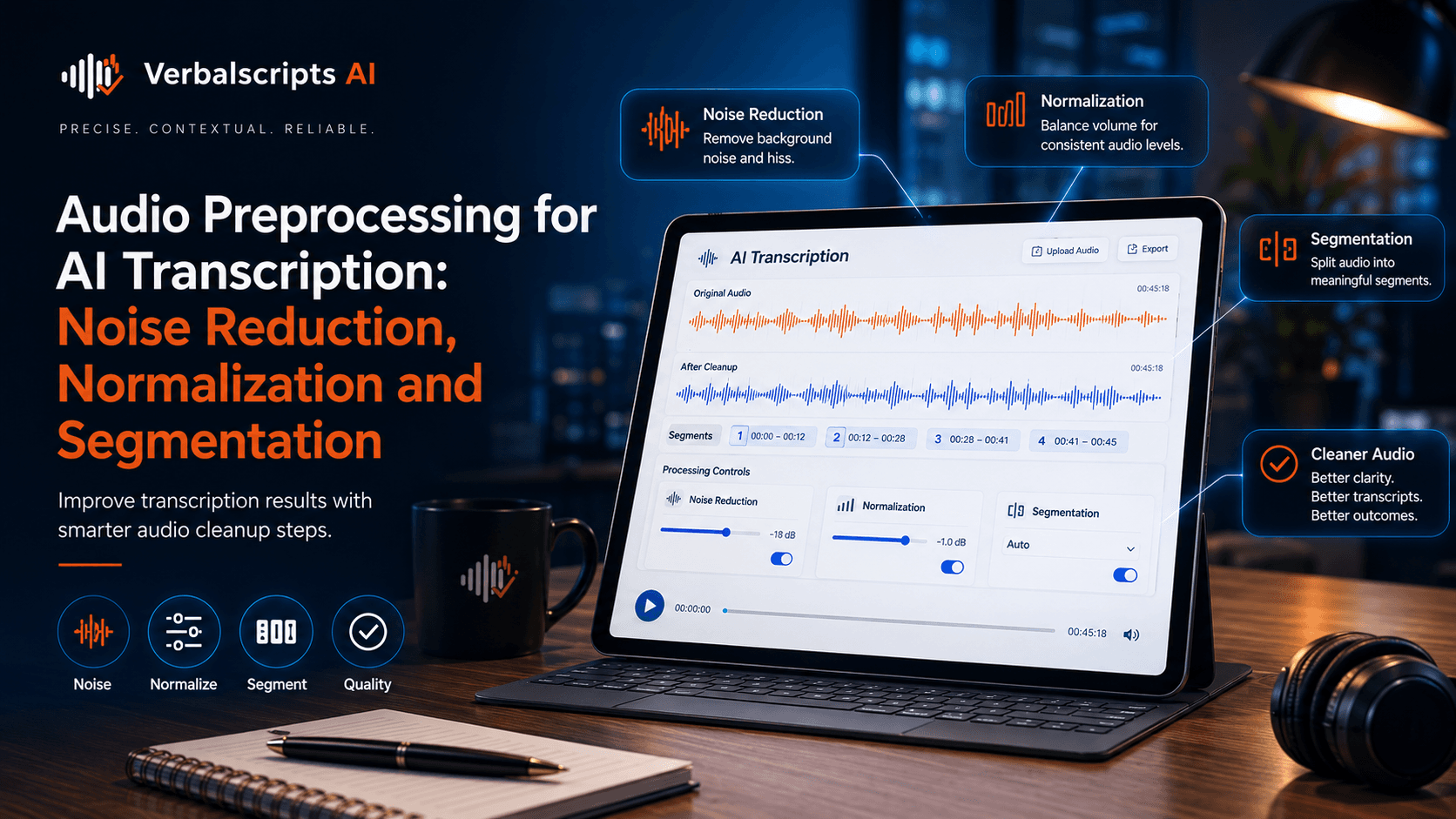
- Audio Preprocessing for AI Transcription: Noise Reduction, Normalization and Segmentation: supporting cluster article.
- Transcript Export Formats Explained: DOCX, PDF, TXT, SRT, VTT and JSON: supporting cluster article.
- AI Transcription: The Complete Guide to Turning Audio and Video Into Accurate Text: supporting cluster article.
Frequently asked questions
What is the most important quality measure for input file formats?
There is no single universal measure. Word accuracy is important, but the best metric depends on the use case. Speaker labels, critical names and numbers, timestamps, formatting, completeness and downstream usability may be equally important.
When should input file formats include human review?
Use more human review as the cost of an error rises. Legal, medical, regulated, public-facing, evidentiary and customer-deliverable transcripts generally justify deeper verification than low-risk internal search or rough notes.
How can I test a transcription provider fairly?
Use a representative test pack, keep source files and instructions identical, create or verify a high-quality reference, score the same dimensions for every provider, and examine the types of errors rather than relying on one average number.
Does better audio always improve AI transcription?
Better capture usually helps, but it is not the only factor. Accents, language, terminology, overlap, channel, speaker count and model/domain fit can still affect output even with technically clean audio.
What should happen when the audio is unclear?
The workflow should avoid guessing. Mark uncertainty consistently, preserve timestamps where useful, try careful re-listening or appropriate enhancement, and escalate material passages to human review when the wording matters.
Final takeaway
AI Transcription File Formats: MP3, WAV, MP4, MOV and More is ultimately a workflow design question. The strongest implementations define the required output, test real source material, measure the errors that matter, protect sensitive content and add human review where the consequences justify it. That approach is more durable than choosing a system from a headline accuracy number or a clean demo clip.
Next step: Explore AI Transcription with Verbalscripts AI or review pricing if you are comparing implementation options.
Authoritative external references
Use external links to support definitions, standards, security guidance and accessibility or platform-specific facts. Avoid over-linking to competitor marketing pages when a standards body, regulator or primary documentation source is available.
- NIST AI Risk Management Framework: National Institute of Standards and Technology; useful for trustworthiness, measurement, governance and AI risk management.
- NIST AI Risk Management Framework: National Institute of Standards and Technology; useful for trustworthiness, measurement, governance and AI risk management.